
Productivity Tools

Smart Quiz Maker
Transform PDFs, videos, or text into interactive, auto-grading Google Forms for fast, effortless quiz creation.

Markdown to Word Doc or PDF
Convert Markdown to beautifully formatted Word or PDF documents – perfect for lesson plans, worksheets, and classroom handouts.
PDF Exam to Google Form
Upload a PDF exam paper, select question areas, set correct answers, and export as a self-marking Google Form with one question per page.

Browser-based Answer Sheet Scanner
Generate printable answer sheets, scan completed tests and get instant results with detailed analytics.

Visual Countdown Timer
A beautiful pie-chart timer for classroom activities, tests, and timed exercises. Features pause, mute, and fullscreen modes.

Fair Groups in Seconds
Type or paste your class once, then generate random, mixed-ability, mixed-sex, single-sex or single-ability groups — with keep-apart rules for students who shouldn’t work together. Names only on screen, and nothing leaves your device.
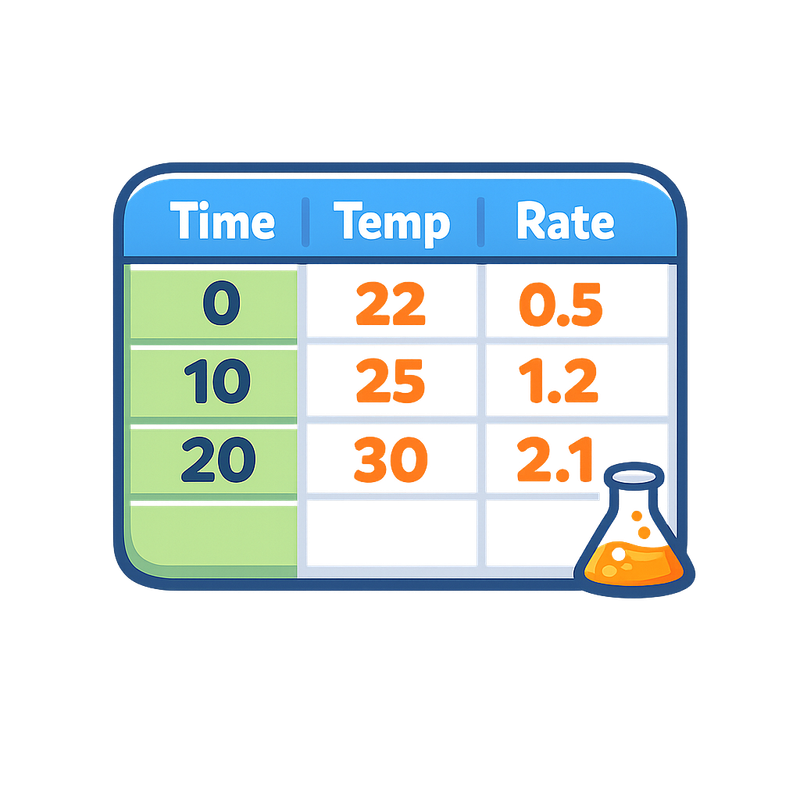
Formatted Data Tables
Generate properly formatted results tables with automatic mean, standard deviation and standard error formulae. Downloads as an Excel file ready for Google Sheets.

Publication-Quality Graphs
Create scatter plots and bar charts with error bars, multiple trendline types, auto best-fit analysis, and R² values. Download as high-resolution PNG or copy to clipboard.

Outliers & Significance Tests
Identify outliers with box-and-whisker plots, choose the correct statistical test using an interactive decision tree, and generate written interpretations for your IA. Supports t-test, ANOVA + Tukey, chi-squared, and Spearman's rank.

The ± for Your IA
Look up the uncertainty for Vernier sensors and common lab glassware, then compare it with the standard deviation of your repeats to see which figure to report. Also handles prepared solutions and judges whether the uncertainty is small enough for your result to stand.

IB Biology IA Rubric
Mark IB Biology IAs against the 2025 criteria with automatic section averages, example statements, copy-to-clipboard annotations, PDF export with highlighting, and class summary spreadsheet export.

Extended Essay Marking
Annotate and mark IB Extended Essays (Biology) against the 2027 criteria A–E, with band descriptors, worked examples, copyable comments, supervisor feedback, indicative grades and PDF export.

MYP Science Marking
Mark MYP Science Criterion D (Reflecting on the Impacts of Science) with strand-based rubrics, PDF & video review, annotation tools, and export. Supports PDF, PowerPoint, and video submissions.

General Assignment Marking
Annotate any student PDF with a reusable comment bank, ticks and crosses. Load a mark scheme alongside, enter per-question marks, save the whole class as one session file, and export marked PDFs.

Citations & Attributions
Paste any link or DOI — auto-detects Wikimedia, Wikipedia, journals and webpages. Explains Creative Commons licences in plain language, prompts for any changes you made, and builds a copy-ready bibliography in MLA, APA, Chicago, Harvard or IEEE, exportable to Word.

PDF → Collage Cover
Turn any PDF into a polished collage cover image. Choose grid or fanned layouts, set a custom page order, pick an aspect ratio, and export an export-ready PNG — perfect for product thumbnails and store covers. Runs entirely in your browser.

Word → PDF, in bulk
Drop in a whole class set of .docx files and get PDFs back — page layout, tables and images preserved. Download individually or as a ZIP. Runs entirely in your browser, so student work never leaves your device.